
Local computing / PrometheOS Hub
What stays on the Hub?
Follow a room reading from the network to a dashboard, and see what it means to give an automation a home on your own hardware.
Give the routine an address
Imagine a temperature reading on a workshop dashboard. A sensor takes the reading. Something has to receive it, make it available to the dashboard, and decide whether to do anything with it. These are different jobs even when the result is one number on a screen.
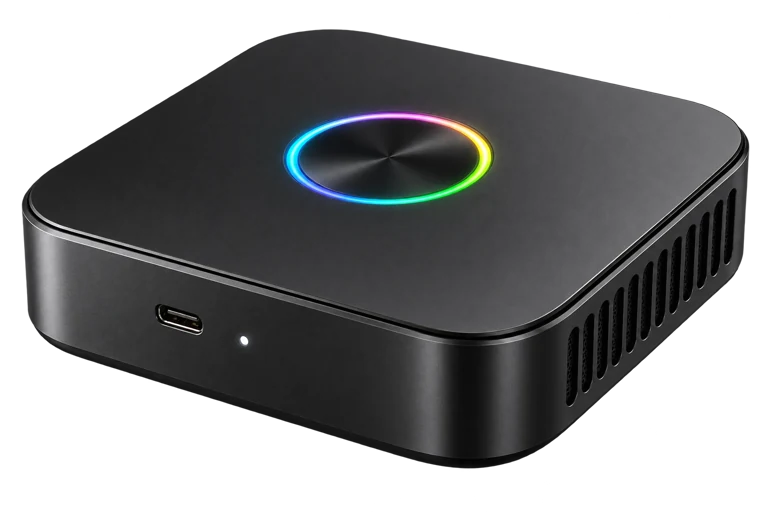
The PrometheOS Hub is the main automation hub. It is a small Linux computer prepared for local dashboards, automations, and connected devices. Its gigabit network connection gives it a place on your network. The Hub is where you can put the parts of the routine you want to run there.
Trace one trip through the room
On a sheet of paper, put the sensor on the left and the dashboard on the right. Between them, write down how the reading reaches the Hub. Add any service the dashboard needs in order to show it. Now you can see which parts need the local network and which need an outside connection.
That distinction matters on an ordinary afternoon when the internet drops out. A routine running on the Hub can still depend on an internet service if one of its inputs does. Test the actual routine before you count on it.
Bring one question to setup
The Hub comes with a preconfigured Linux image and a remote setup session. Bring a sketch of the devices you already have and one behavior you want to see. Following a single reading all the way through is a good first session.